New feature design for

PlayBuddy: An AI Companion for Smarter Movie Recommendations
PlayBuddy: An AI Companion for Smarter Movie Recommendations
A self-initiated concept for Netflix

Introduction
Too Much Choice, No Decision
It’s the end of a long day. You open Netflix to unwind, scroll for twenty minutes, and still can’t decide. The problem isn’t a lack of content — it’s too much of it, with too little help choosing. I wanted to understand why this decision is so hard, and whether a different interface could make it easier.
My ROLE
Research, Product Thinking & Interaction Design
SKILLS
Conversational UX, AI Interaction & UX Strategy
USED TOOLS
Figma, FigJam, ChatGPT & Jitter
TIMELINE
3 Weeks · Self-initiated concept

Why is Choosing a Movie So Hard?
Understanding the Problem
Research pointed to three reasons the decision breaks down.
Research pointed to three reasons the decision breaks down.
01
Decision Fatigue
Thousands of titles and no clear starting point. More options slow the decision down rather than help it.
02
Static Personalisation
Recommendations learn from past viewing, but can’t see tonight’s mood, energy, or who’s on the couch.
03
Time Sensitivity
A 40-minute window and a free evening need very different picks, yet the home screen treats them the same.
Research & Insights
I ran a short survey to see how they actually choose what to watch.
I ran a short survey to see how they actually choose what to watch.
82%
82%
struggle to pick something to watch on a regular basis.
67%
lean on friends or IMDb ratings to make the final call.
90%
90%
have ended up watching nothing because they couldn’t decide.
92.3%
said they’d welcome AI-powered, personalised
recommendations.
Competitor Analysis
How Other Platforms Handle the
Same Problem
How Other Platforms Handle the
Same Problem
I reviewed Disney+ Hotstar, Prime Video, ZEE5, Sony LIV and JioCinema. Most rely on trending rows, genres and watch history. That works for browsing, but none capture in-the-moment context like time, mood or company, and none let viewers simply say what they want.


Exploring Options
Why AI, and Not Something
Simpler?
Before settling on conversational AI, I compared it with lighter solutions. Each solved part of the problem, but broke down at the moment of decision.
Not Chosen
Not Chosen
Smarter Filters
Smarter Filters
Mood and duration chips are fast, but people often can’t name their mood, and filters add more UI to scroll through.
Mood and duration chips are fast, but people often can’t name their mood, and filters add more UI to scroll through.
Not Chosen
Not Chosen
Guided Quiz
Guided Quiz
Structured and predictable, but fixed questions feel like a form and can’t handle “something like this, but lighter.”
Structured and predictable, but fixed questions feel like a form and can’t handle “something like this, but lighter.”
Not Chosen
Not Chosen
Better Algorithm Rows
Better Algorithm Rows
Still passive and history-based. They can’t know that tonight you’re tired, short on time, or watching with family.
Still passive and history-based. They can’t know that tonight you’re tired, short on time, or watching with family.
Chosen
Chosen
Conversational AI
Conversational AI
Captures time, mood and company in plain language, asks follow-ups only when needed, and explains every pick.
Captures time, mood and company in plain language, asks follow-ups only when needed, and explains every pick.
Works when mood is unclear
Works when mood is unclear
Handles nuanced requests
Handles nuanced requests
Uses tonight’s context
Uses tonight’s context
Explains its picks
Explains its picks
Low effort for the viewer
Low effort for the viewer
How the options compare
How the options compare
Smart Filter
Smart Filter
Guided Quiz
Guided Quiz
Algorithm raw
Algorithm raw
Conversational AI
Conversational AI
My Assessment
My Assessment
Strong
Strong
Partial
Partial
Weak
Weak
Guardrails
To keep AI from becoming friction, I set three rules: it stays optional, asks no more than three questions, and always shows why a title was picked.
Exploring Options
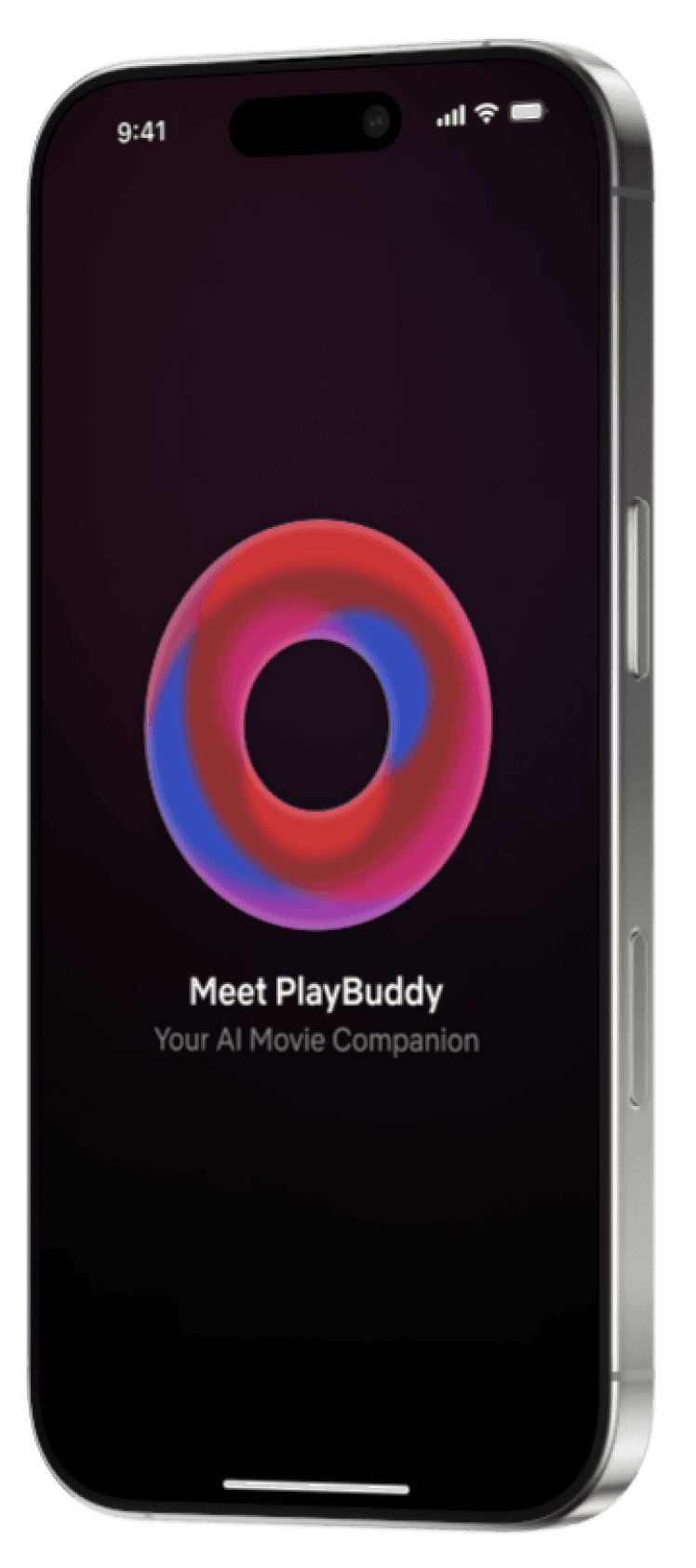
PlayBuddy
A Conversational Companion That Helps You Decide

A Quiet, Always-There Entry Point
Placed in the bottom-right corner within thumb reach, the button opens PlayBuddy from anywhere in the app. A soft glow keeps it discoverable without competing with the artwork. Browsing stays the default; help is one tap away.
It appears as soon as Netflix opens, so help is there the moment indecision starts, not buried in search or settings.

When you open Netflix, a floating button appears in the bottom-left corner, right within your thumb’s reach. Just tap it, and PlayBuddy is ready to assist.
Initiating the Experience
New user
Simply start typing or let AI find the right questions for you.
Initiating the Experience
New user
Simply start typing or let AI find the right questions for you.
Three Questions Instead of Endless Scrolling
Research showed three factors drive almost every viewing decision: Time, Company, Mood.
PlayBuddy simplifies this by asking the right questions - so you get the perfect pick without endless scrolling.
TRADE-OFF
What we give up
Quick-reply chips limit nuance. Some needs will fall outside the options, so the text field stays open.
Considered chat only
More flexible, but a blank input recreates the same paralysis — and typing is slow when you just want to relax.
Too many titles
PlayBuddy
01 Time How long do you have?
02 Company Who’s watching?
03 Mood What’s the vibe?
Confident picks
Three Questions Instead of Endless Scrolling
Research showed three factors drive almost every viewing decision: Time, Company, Mood.
PlayBuddy simplifies this by asking the right questions - so you get the perfect pick without endless scrolling.
TRADE-OFF
What we give up
Quick-reply chips limit nuance. Some needs will fall outside the options, so the text field stays open.
Considered chat only
More flexible, but a blank input recreates the same paralysis — and typing is slow when you just want to relax.
Too many titles
PlayBuddy
01 Time How long do you have?
02 Company Who’s watching?
03 Mood What’s the vibe?
Confident picks
How three questions narrow the choice
Too many titles
PlayBuddy
01 Time How long do you have?
02 Company Who’s watching?
03 Mood What’s the vibe?
Confident picks
When Users Can’t Name Their Mood
People rarely say “I want a slow-burn thriller.” So instead of forcing a choice from fixed options, PlayBuddy asks light, natural questions and infers mood from the answers. That’s the part a filter could never do.


TRADE-OFF
What we gave up
AI can misread a mood. So PlayBuddy always plays back what it understood, and the user can correct it in one reply.
Considered chat only
Predictable and precise, but it assumes people can name how they feel — and it becomes yet another choice.
Picks That Explain Themselves
No generic rows. Each pick shows why it fits tonight, which builds trust in the suggestion:
Why You’ll Love It
Mood Fit
The Feedback Loop
By tracking your preferences, it fine-tunes future suggestions—making every pick better than the last.
How every session sharpens the next
Ask
Ask
Recommended
Recommended
Next Pick Start Smarter
Next Pick Start Smarter
Loved it More Like this
Loved it More Like this
Not for me less like this
Not for me less like this
Save in memory remember for next time
Save in memory remember for next time
Memory
Memory
A Quick Comparison
Where PlayBuddy Fills the Gap in Today’s Experience
CONTENT DISCOVERY
Netflix - Browse-first: rows and scrolling
PlayBuddy - Ask-first: describe it, get a shortlist
DECISION MAKING
Netflix - Manual search, hit-or-miss picks
PlayBuddy - A few confident picks, each with a reason
MOOD ADEPTION
Netflix - No awareness of how you feel tonight
PlayBuddy - Infers mood through conversation
SOCIAL CONTEXT
Netflix - Doesn’t know who’s watching with you
PlayBuddy - Adjusts picks for solo, partner or group
TIME SENSITIVITY
Netflix - No way to plan around available time
PlayBuddy - Matches picks to the time you have
FEEDBACK LOOP
Netflix - Learns mainly from watch history
PlayBuddy - Learns from each pick, skip and rating
Reflection
What I’d validate next
What I’d validate next
This is a concept, so the next step is evidence. If PlayBuddy shipped, these are the three signals I’d watch first.
01
Time to first play
How long it takes from opening the app to pressing play — the clearest sign the decision got easier.
↓
Should drop
02
Sessions with nothing watched
The problem 90% of respondents described. Fewer empty sessions means PlayBuddy is doing its job.
↓
Should drop
03
Pick acceptance
How often one of the shortlisted titles actually gets played — a direct read on recommendation quality.
↑
Should rise
“
The hardest part wasn’t the AI — it was deciding how little it should ask.
Every extra question costs the trust it’s trying to earn.
— Biggest takeaway
New feature design for
PlayBuddy: An AI Companion for Smarter Movie Recommendations
A self-initiated concept for Netflix
Got a beautiful mess?
Too many moving parts is my favourite kind of problem.
Let’s make yours feel simple.
Say hello
Got a beautiful mess?
Too many moving parts is my favourite kind of problem. Let’s make yours feel simple.
Say hello
Got a beautiful mess?
Too many moving parts is my favourite kind of problem.
Let’s make yours feel simple.
Say hello
Introduction
Too Much Choice, No Decision
It’s the end of a long day. You open Netflix to unwind, scroll for twenty minutes, and still can’t decide. The problem isn’t a lack of content — it’s too much of it, with too little help choosing. I wanted to understand why this decision is so hard, and whether a different interface could make it easier.
My ROLE
Research, Product Thinking & Interaction Design
SKILLS
Conversational UX, AI Interaction & UX Strategy
USED TOOLS
Figma, FigJam, ChatGPT & Jitter
TIMELINE
3 Weeks · Self-initiated concept
This work is best on desktop
Case studies need the room. Open the link on a laptop for the full experience.